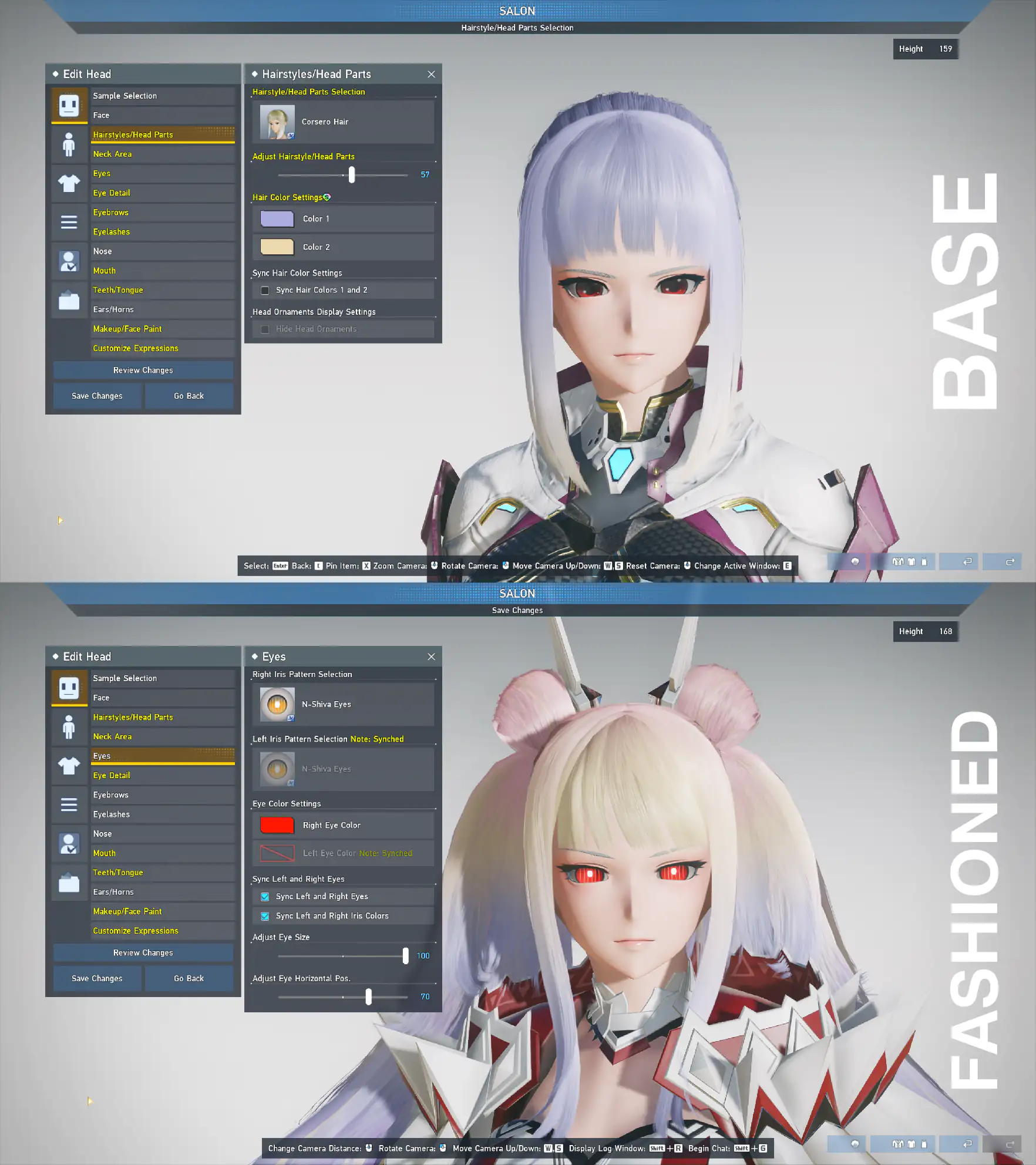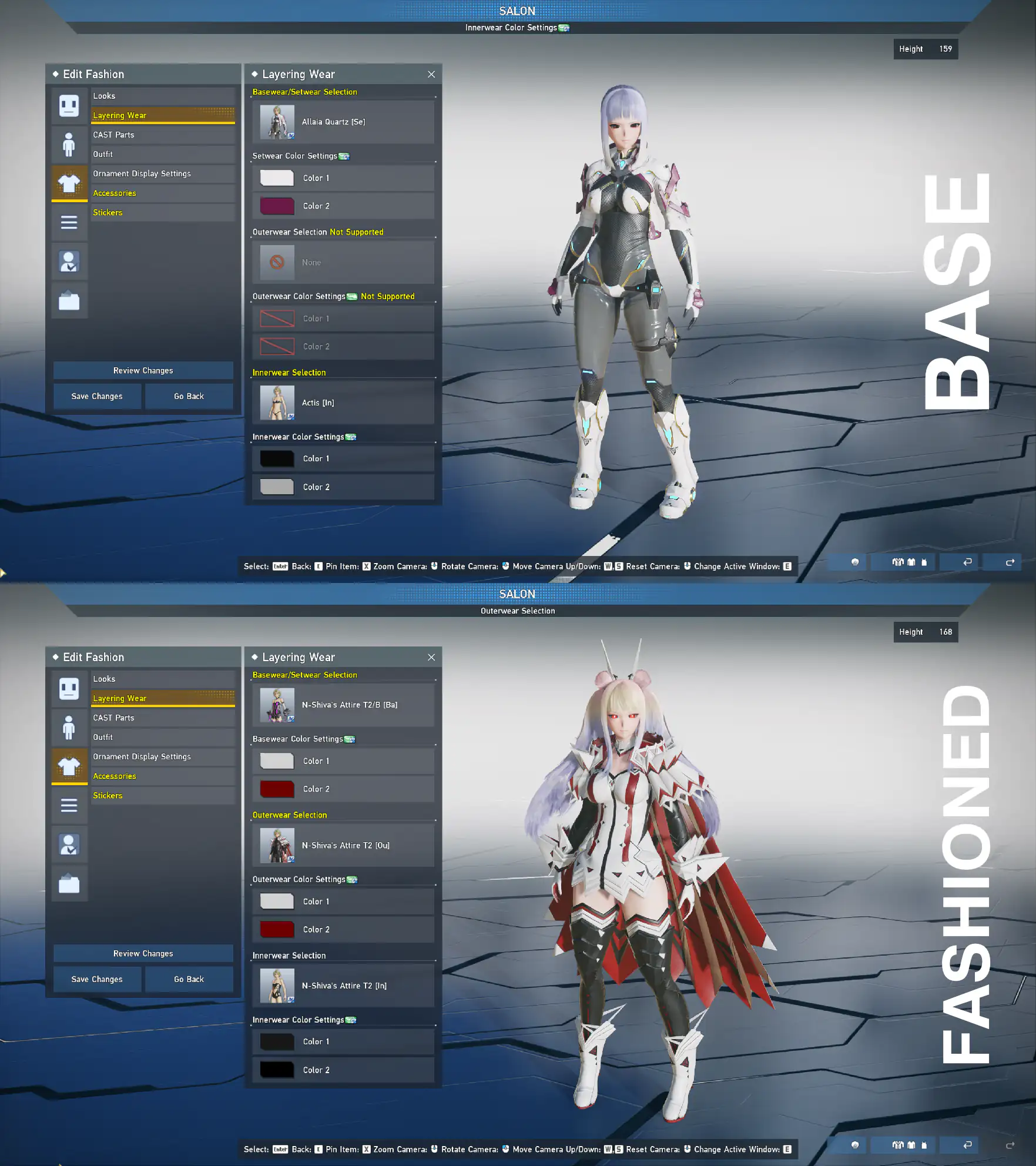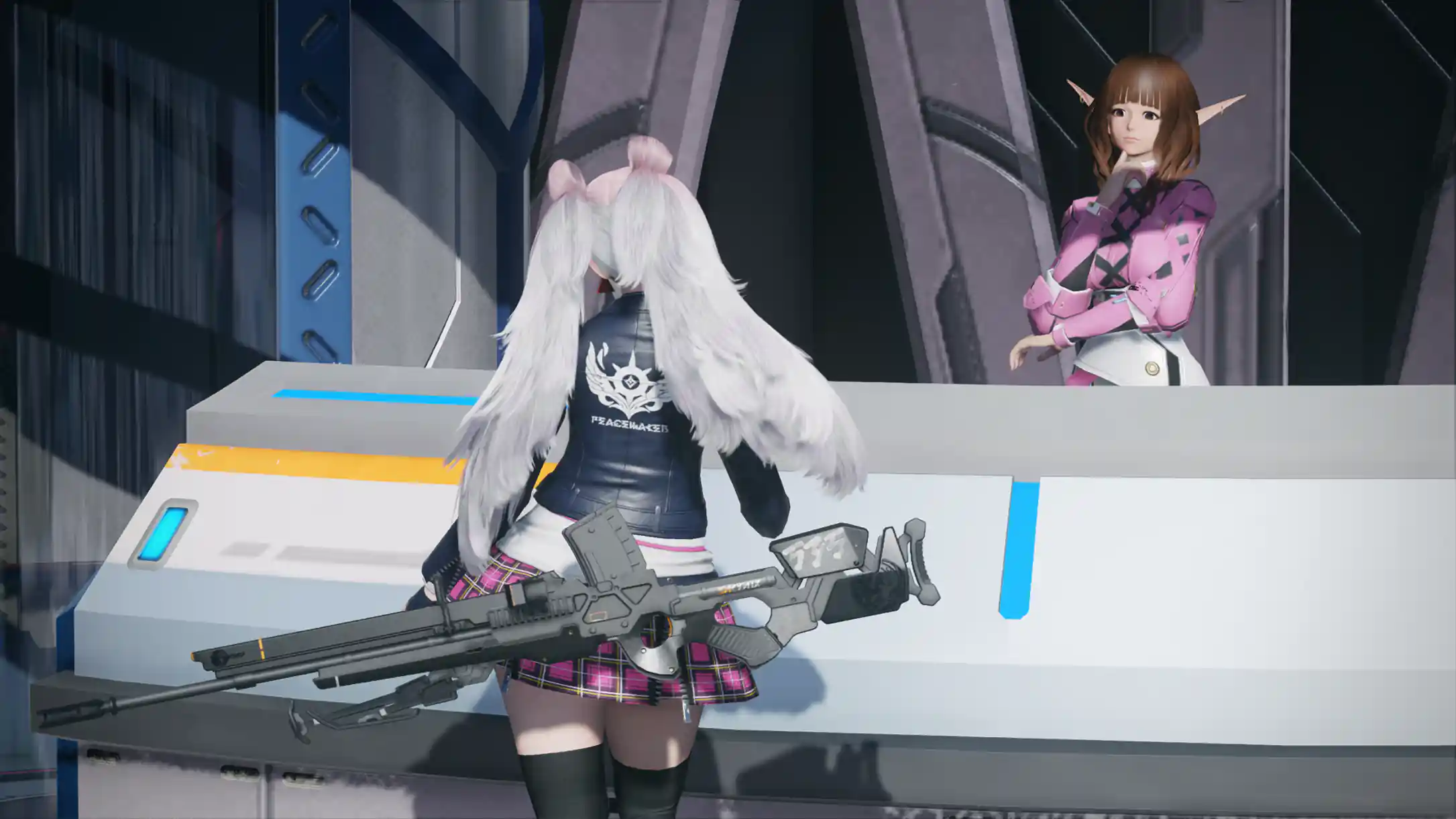
While you can always adjust character sliders manually, using pre-made character files is a much faster alternative. Based on player requests, I am now providing these files alongside the recipes. They are intentionally configured as a "base face" template, ensuring that anyone can load the structure regardless of their current fashion inventory.

However, there is one important thing to keep in mind: These files only save the slider values, not the cosmetic items themselves.
Step 1 : Move the File to the Game Folder

For PlayStation, Mac, Linux, Switch, Xbox users, the exact folder path may vary. But don't worry, if you cannot use this file method—I will always post the manual slider screenshots for every recipe so you can still replicate the look.
Step 2 : Open the Game and Enter the Salon
Once the file is in the correct folder, launch PSO2: NGS and head over to the Salon. Inside the Salon, look for the Creation Data Management menu (the folder icon located at the very bottom of the left-hand menu).
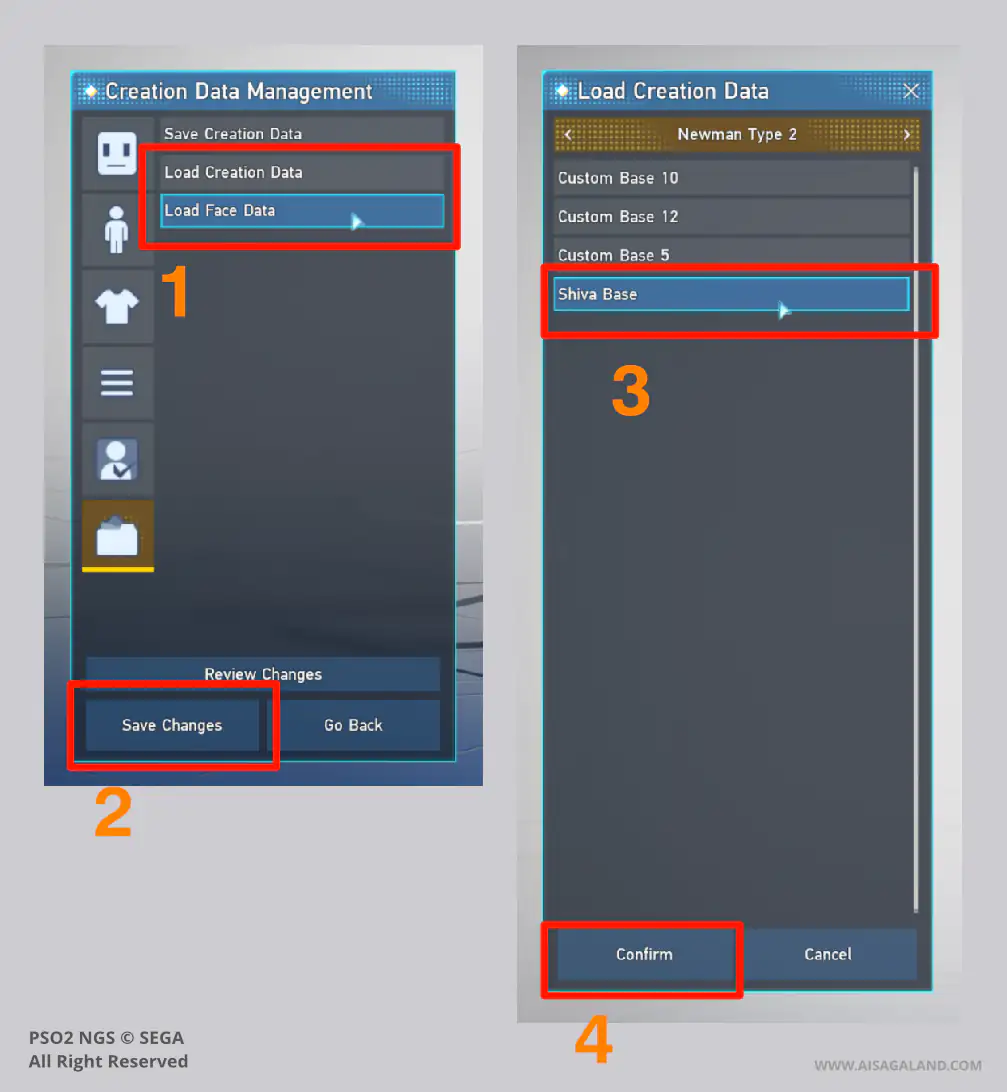
Load Data Character
Step 3 : Equip Your Fashion Items
When you initially load the character file, it will only look like the bare "BASE FACE PREVIEW" included in my posts. However, once you manually equip the corresponding fashion items listed in the recipe, the final look will come together.
Here is an example comparing the character right after loading the base file and putting on the proper fashion items: