PSO2 NGS Character Creation Custom 26
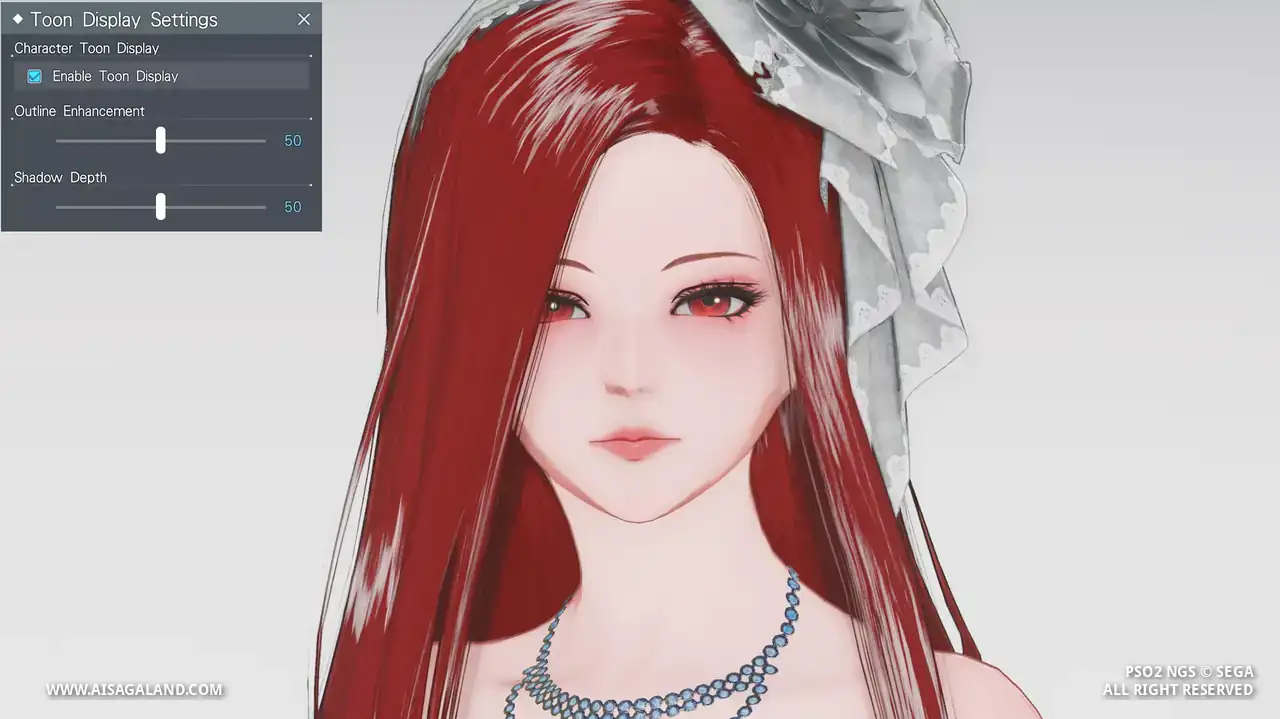
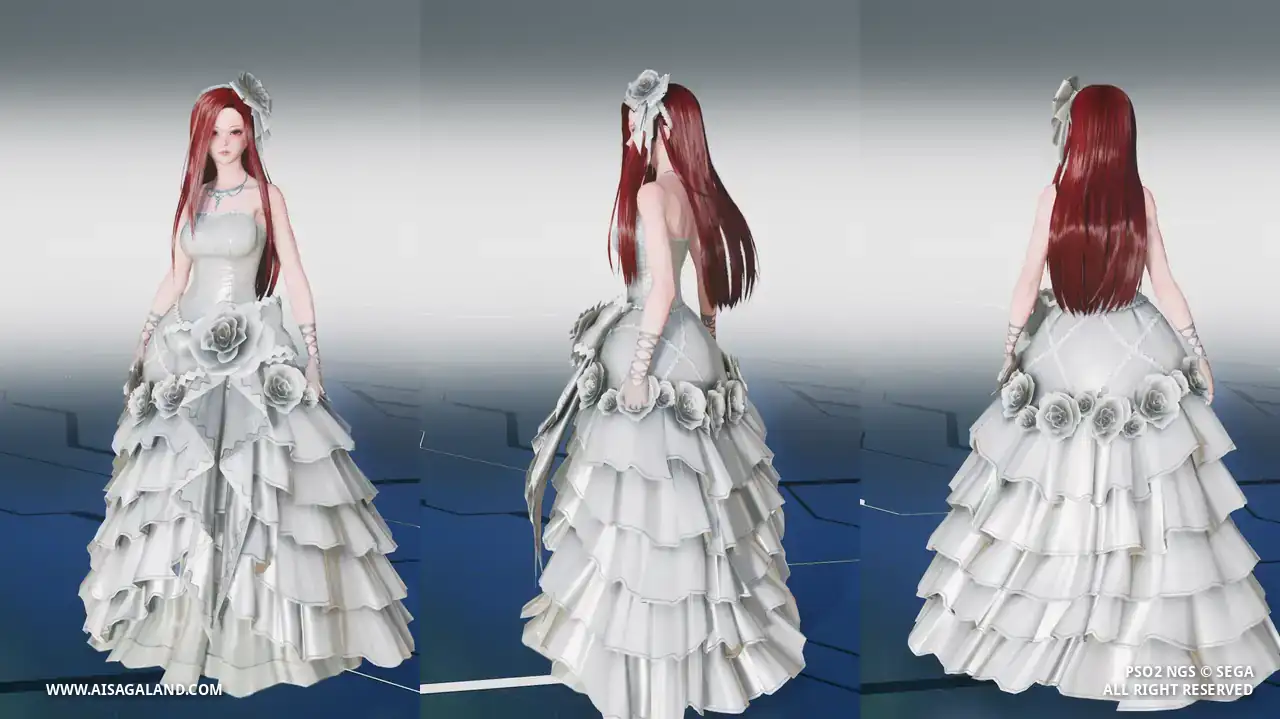
Who says you can't fight in a wedding dress? This bridal outfit with an ARKS Defender's combat readiness, ready to take on DOLLS in style.
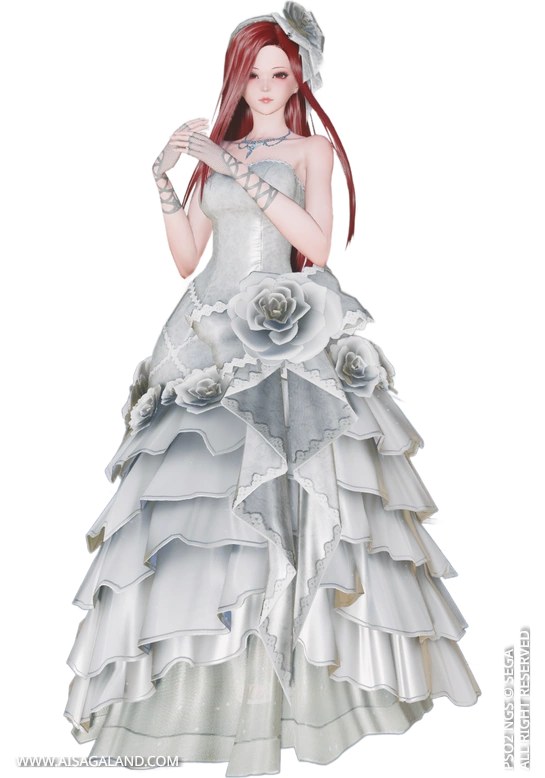

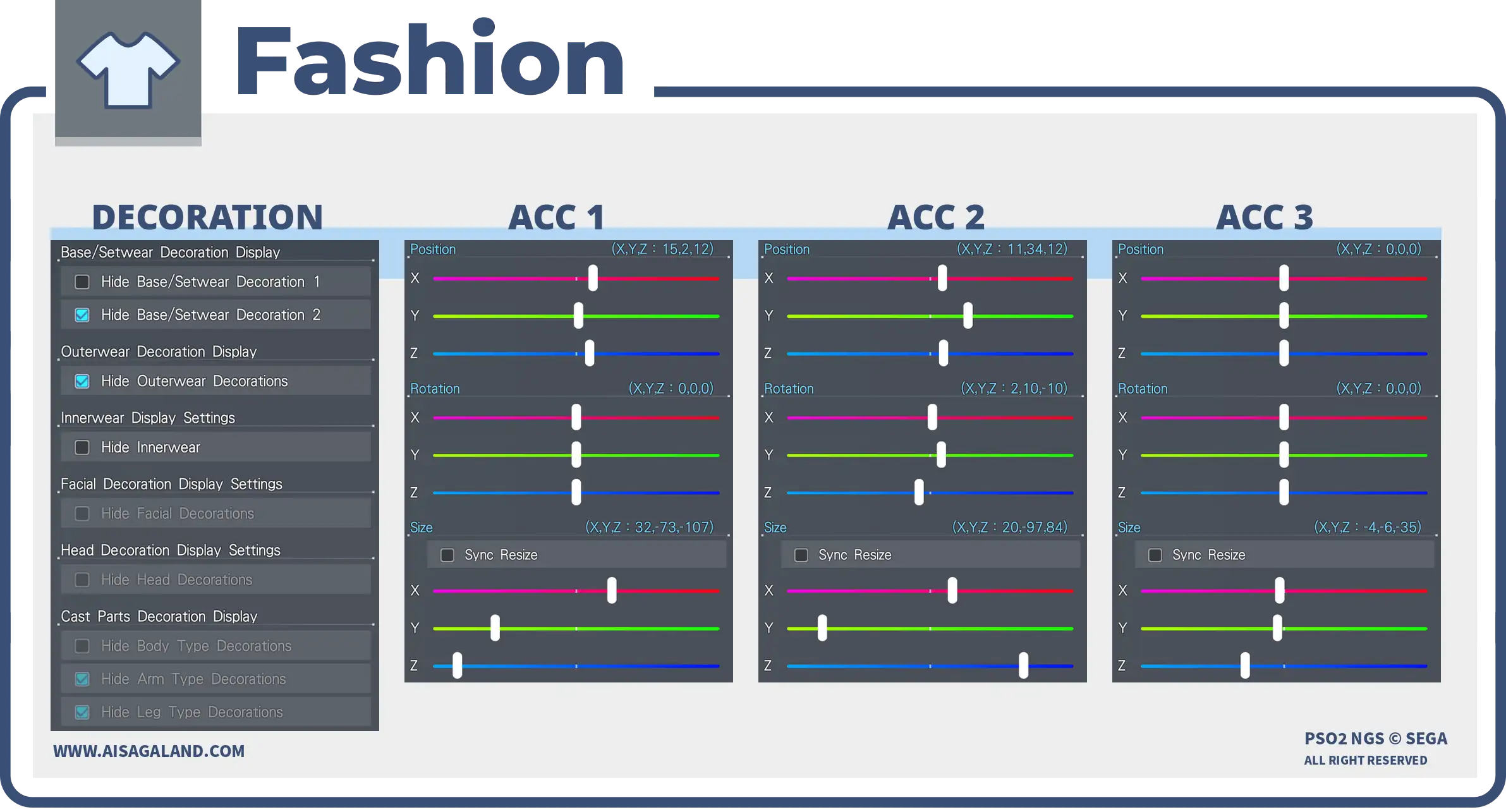
Fresh from the new engine! This look is crafted using NGS-only items, meaning you get the highest texture quality and full accessory physics support. Feel free to experiment with the colors and positions to make it uniquely yours!
Hey there! This character recipe is designed for use in both PSO2 New Genesis and PSO2 Classic. The slider instructions are based on the PSO2 NGS interface to make things easier. This is Custom Recipe #26, hope it helps you~ Take your time, enjoy and Good luck!
Video Preview
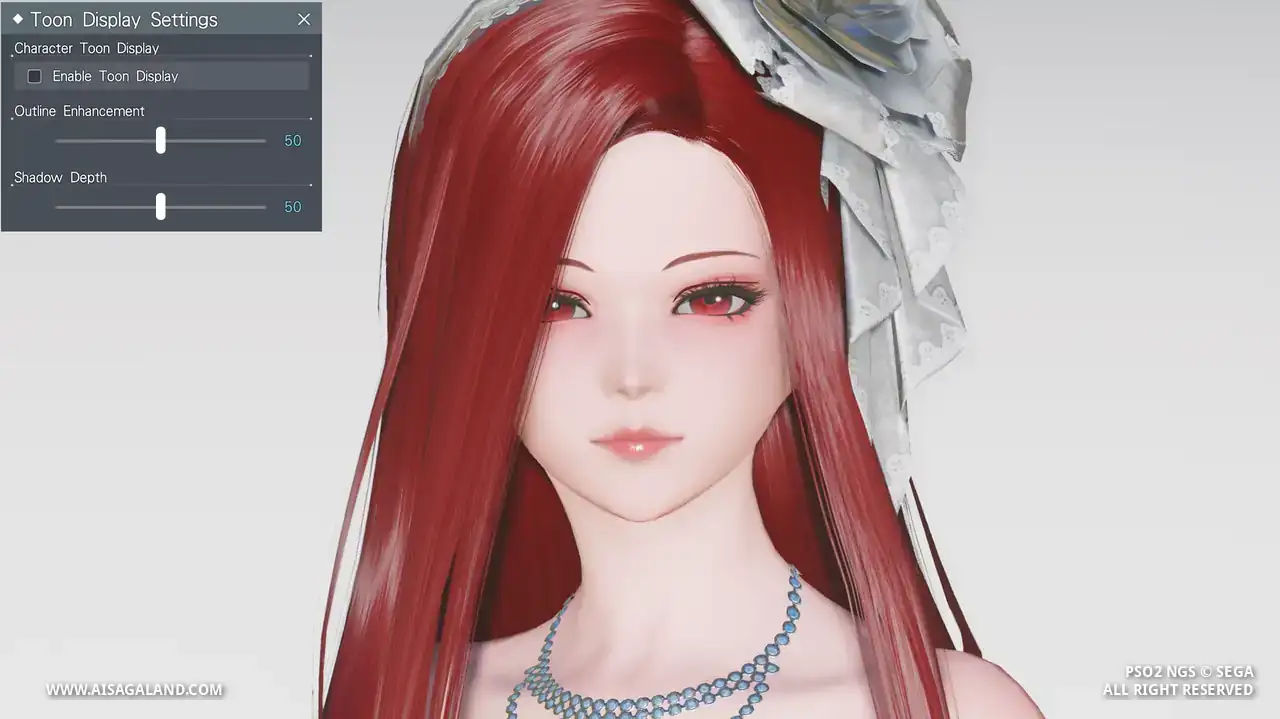
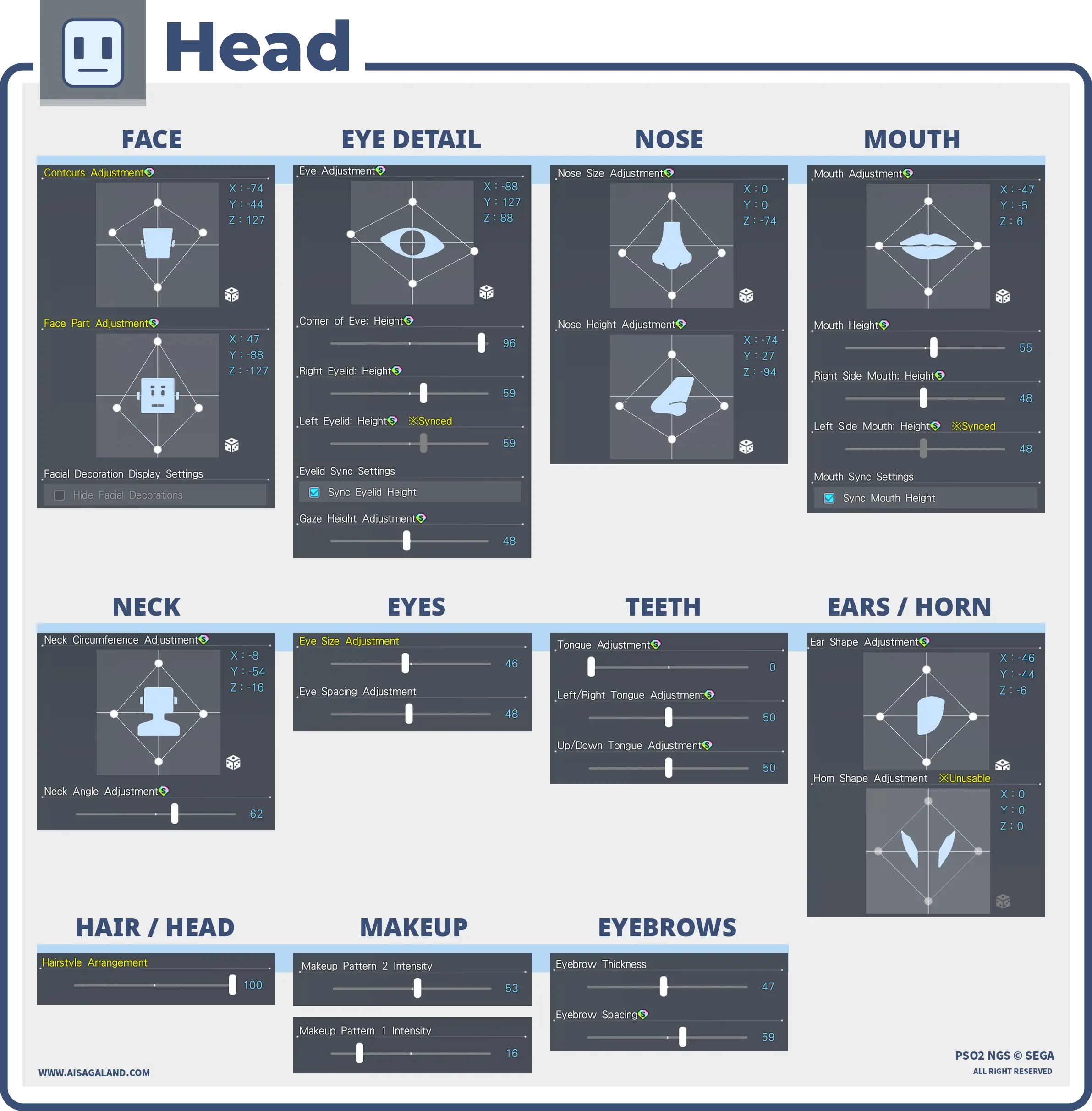
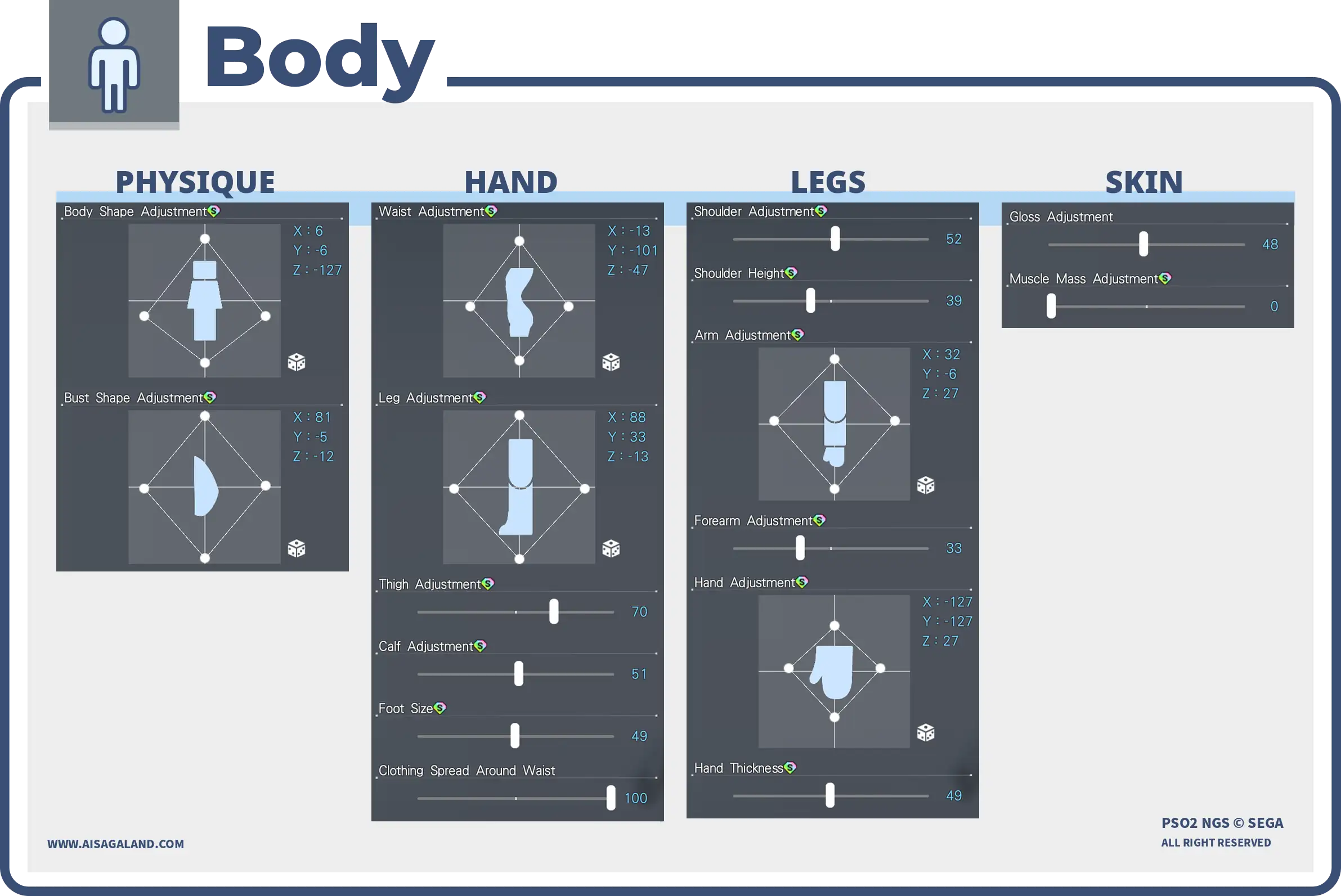
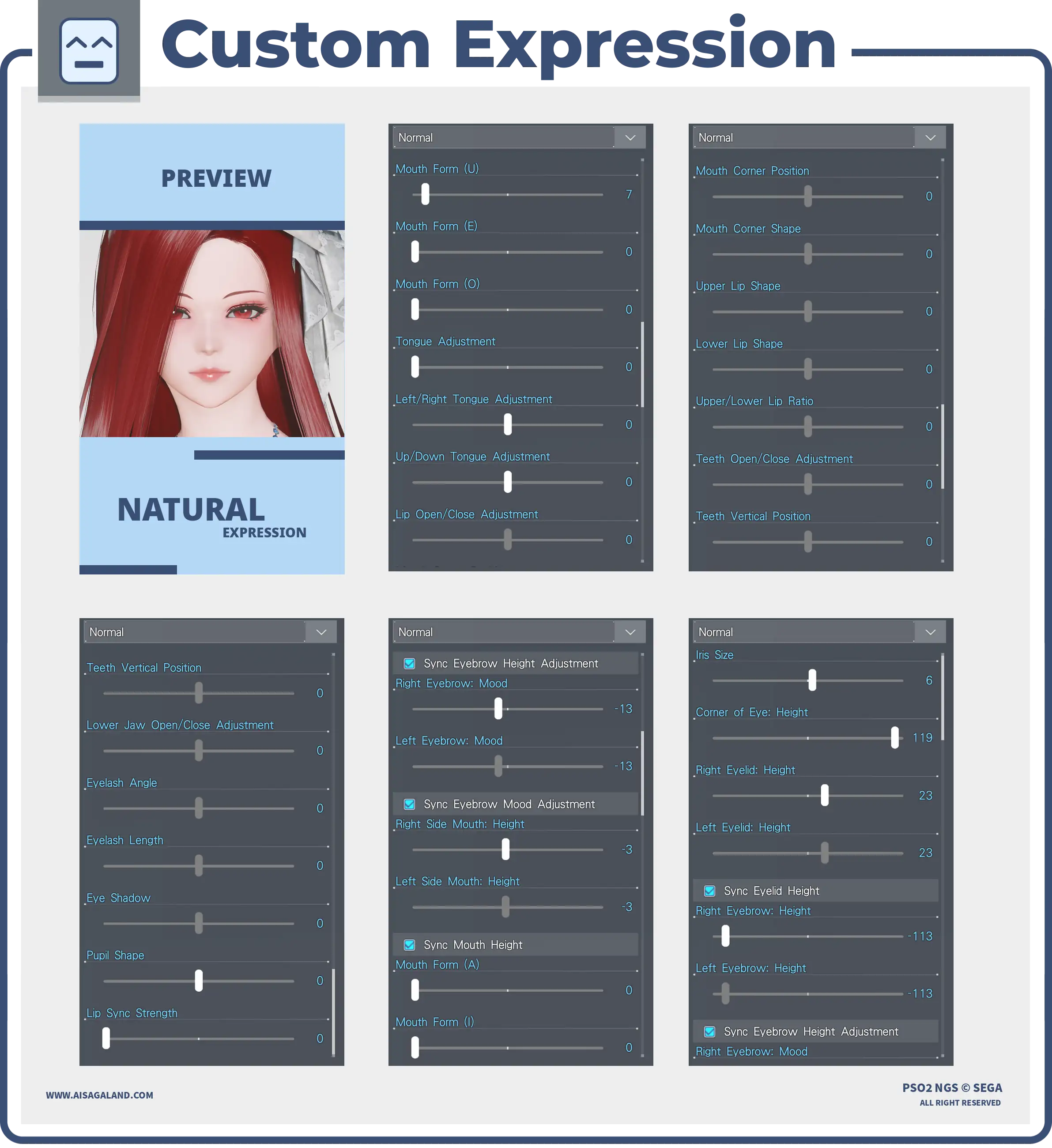
Slider Parameters
Custom Facial Expressions
Parts Installed
| Category | Preview | Src | Item Name |
|---|---|---|---|
| Skin Patterns | 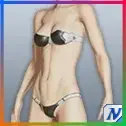 | Base Body T2ベースボディT2 | |
| Faces |  | Sylphid Faceシルフィーフェイス | |
| Eyes | 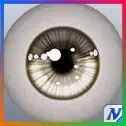 | Radial Eyesラジアルラインアイ | |
| Eyebrows | 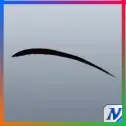 | Watchful Eyebrowsヨースミまゆ | |
| Eyelashes | 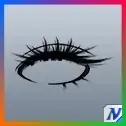 | Double Defined Eyelashes/Cフタエノパッチリまつげ/C | |
| Makeup / Facepaint | 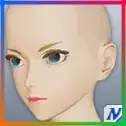 | Glassy Lip Gloss/4グラッシーグロスリップ/4 | |
| Makeup / Facepaint | 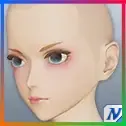 | Soft Makeup/Bフンワリメイク/B | |
| Hairstyles | 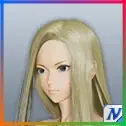 | Pesante Hairペザンテヘアー | |
| Body Paint | 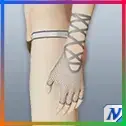 | Mesh Glovesメッシュグローブ | |
| Setwear | 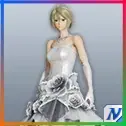 | N-Wedding Dress [Se]N-ウェディングドレス[Se] | |
| Accessory 1 | 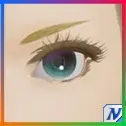 | Solid Eyelashesソリッドアイラッシュ | |
| Accessory 2 | 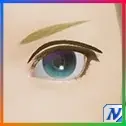 | N-Dstnct Dbl-Edged Eyelids/BN-くっきり二重まぶた/B | |
| Accessory 3 | 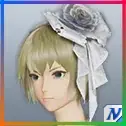 | N-Wedding CorsageN-ウェディングコサージュ |
Color Settings
| Position | Preview | RGB Value |
|---|---|---|
| Hair | 87, 0, 0 | |
| Eye | 195, 26, 26 | |
| Eyelashes | 0, 0, 0 | |
| Skin | 246, 201, 194 | |
| Sub Skin | 223, 25, 18 | |
| [Se] Color 1 | 226, 226, 226 | |
| [Se] Color 2 | 226, 226, 226 |
Item Source Reference
Arks Cash Scratch.
Star Gems Scratch.
Genesis Points.
FUN Scratch from PSO2 Classic.
PSO2 Classic or legacy source.
Limited scratch, event, campaign, or special code.
Mission Pass reward.
Bonus package
Recipe Download
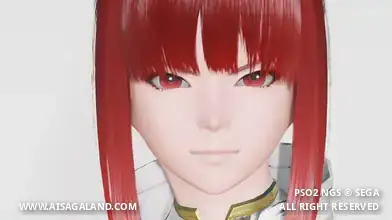
Character Recipe File
⚠️ These character files (.fhp, .fnp, .fdp, etc.) are just the "vanilla" face presets. What you see in the BASE FACE PREVIEW is exactly what you get: raw face data with no makeup and no body sliders. To finish the look, just match it with the item recipe detailed in this article, or just have fun customizing it yourself.